Github Link:
https://github.com/ryzendew/AffinityOnLinux
Video:
Short Guide
This is a quick breakdown:
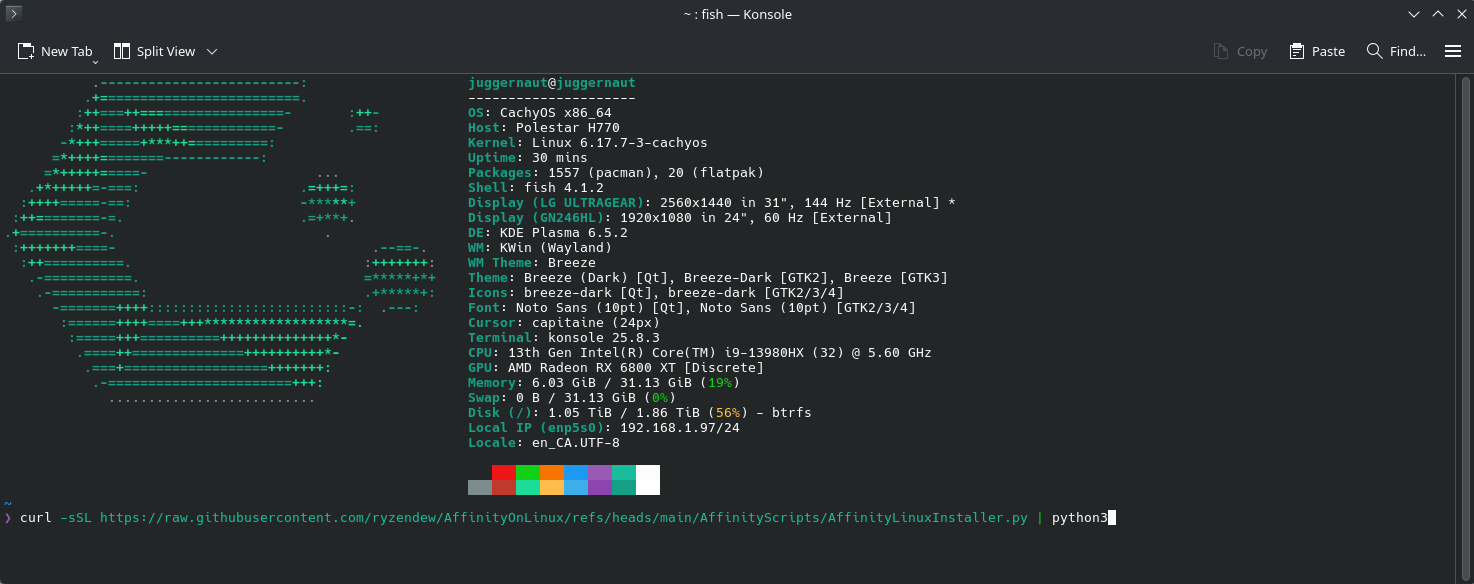
- Run this command in Konsole:
- Use: One-Click Full Setup
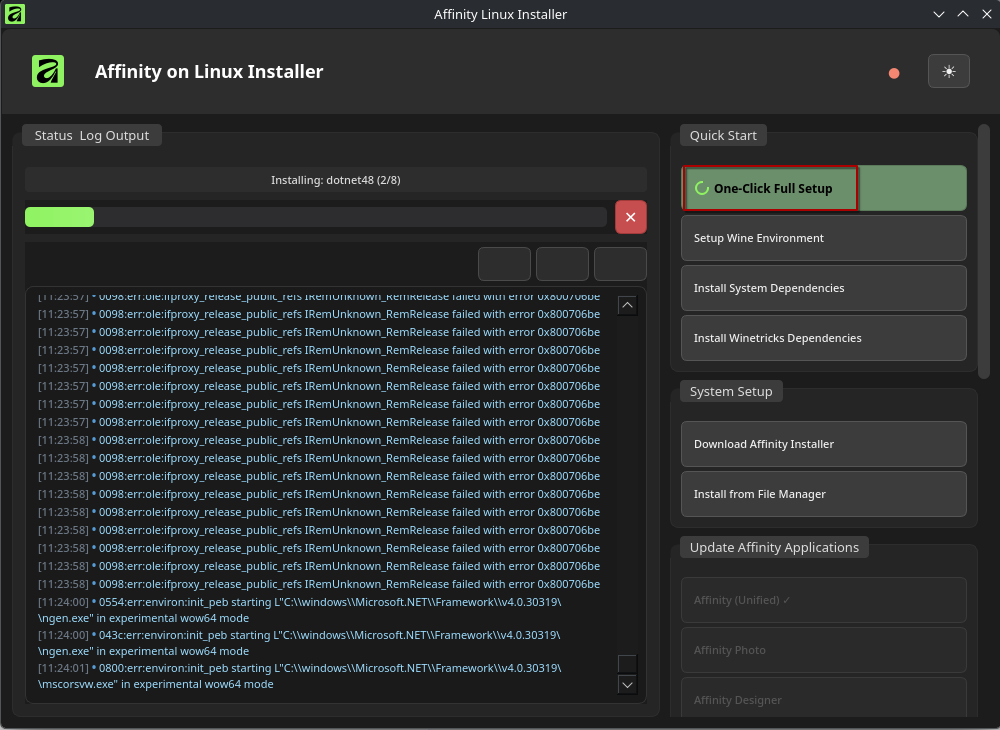
- Let it do its thing. Could take a while.
Issues I've experienced
- When Installing, Winetricks will hang up on dotnet update. This isn't something the creator of this can fix as its a winetricks issue. Restart the process.
- Updating it is easy but it leave behind a file that if deleted, may prevent the application from running.
- Updating may botch it. So a reinstall of the application is necessary.
- - Cannot start the script to install this. Missing pyqt6. To resolve this, you need to run this in Konsole:
sudo pacman -S python-pyqt6
If it Fails to install on the One click:
- Scroll down till you see uninstall option. Click it. Should remove all the Affinity stuff that was installed.
- Start the process again. But try load things more manually like the Setup Wine Environment, Install System Dependencies and Install Winetricks Dependencies.
It takes time. When I installed it, I had set it up, went shopping and came back and it was done. So even if it seems stuck with winetricks, let it sit.
